Briefing
Confirm configuration, source revision, the inert-concept boundary and the reason a profile mismatch matters.

GENESIS
Use reviewed sources and a named model to author a task with meaningful choices, feedback and assessment.
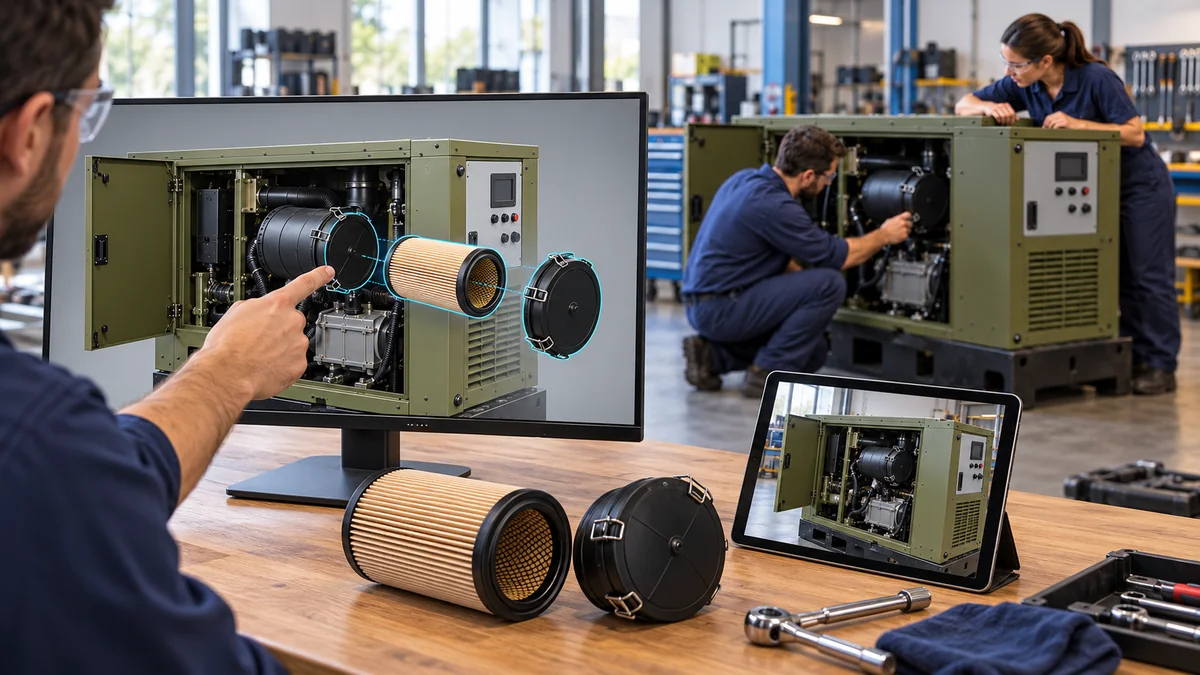
A CONNECTED TASK
Confirm configuration, source revision, the inert-concept boundary and the reason a profile mismatch matters.
An instructor identifies the exact part while its represented movement is shown.
The learner chooses a part or next step. B triggers a hold, a source comparison and reviewed recovery with A.
A transparent rubric connects part choices, order, stop decisions and evidence. No website inspection is scored as actual competence.
PRODUCT + SOURCE
VERIFIED EXTERNAL DESTINATION
Public EON product overview. Licensed authoring or customer applications have their own access arrangements.
Open official product information ↗THIS DEFENSE ASSET
The named model and training drafts are available here. An authenticated DF-GEN-01 Genesis or Field-IQ lesson has not been published or verified.
Discuss authorized task access ↗The four modes above are the proposed DF-GEN-01 authoring brief. They do not turn this website viewer into a working Genesis simulation.
Open the existing Space reference lesson ↗
External Space example · EON sign-in required · different asset and task; account and runtime access are not validated here.
RELATED CONTENT
ASSET
Inspect the exact component and concept configuration.
Open the model ↗PROCEDURE
Review the source boundary, steps, expected observations and hold.
Read the drafts ↗WORK PACKAGE
Keep a controlled path from context to reviewed improvement.
Open the work package ↗